
EXPLAIN PLAN as a feedback loop for AI query tuning
Most AI query suggestions are evaluated in a vacuum. Grounding AI output against Oracle's cost-based optimizer changes the economics of AI-assisted tuning.
When you ask an AI assistant to rewrite a slow Oracle query, the model evaluates its own output in a vacuum. It has a mental model of Oracle SQL — imperfect, biased toward whatever was overrepresented in its training corpus — and it applies heuristics. “A hash join is often better than a nested loop for large tables.” “Adding a hint here might help.” “This subquery could be rewritten as a lateral join.”
Whether those suggestions actually improve the query plan on your database, against your data distribution, with your statistics, is unknown until you run it. And most AI integrations in developer tools stop there: the model rewrites, you copy-paste, you hope.
That is not a feedback loop. It is a guess with extra steps.
What EXPLAIN PLAN actually tells you
Oracle’s cost-based optimizer (CBO) assigns a numeric cost estimate to every operation in an execution plan. The estimate is wrong in interesting ways — it depends on gathered statistics, cardinality estimates, and assumptions the optimizer bakes in — but it is consistently wrong in ways you can reason about. When you compare the EXPLAIN PLAN of the original query to the EXPLAIN PLAN of the rewrite, you are comparing two evaluations made by the same model, with the same statistics, against the same data dictionary. The delta is meaningful.
A full execution plan carries more signal than just cost:
- Operation type: TABLE ACCESS FULL vs INDEX RANGE SCAN vs INDEX FAST FULL SCAN. The choice is not automatically obvious — sometimes a full scan is cheaper — but the CBO made it for a reason, and that reason is in the plan.
- Cardinality estimates: The
E-Rowscolumn. When the estimate says 1 and the actual says 1,000,000, you have a statistics problem before you have a tuning problem. An AI without access to this column will not catch it. - Predicate information: Which filters are applied where in the plan tree. A filter that should be an access predicate but appears as a filter predicate is an index-miss, and it shows up clearly in
EXPLAIN PLAN FOR ... SELECT ... FROM TABLE(DBMS_XPLAN.DISPLAY(NULL, NULL, 'ALL')). - Bind variable peeking artifacts: First-execution plan shapes that differ from re-execution shapes. The gap between EXPLAIN PLAN and V$SQL_PLAN can signal adaptive cursor sharing at work, or its absence when it should be present.
None of this is visible to an AI model evaluating its own rewrite in a vacuum.
The feedback loop pattern
The pattern that makes AI-assisted tuning tractable is simple in principle and surprisingly underused in practice:
- Capture the plan before the rewrite. Run
EXPLAIN PLAN FOR <original_query>, store the result. - Give the AI the full context. Query, schema DDL, server version, and the original plan. All four, not just the first one.
- Capture the plan after the rewrite. Run
EXPLAIN PLAN FOR <rewritten_query>against the same session. - Feed both plans back to the model. Ask: “Did the rewrite improve the estimated cost? Are there access predicate regressions? Is the join order better?”
- Iterate. If the CBO says the rewrite is worse, the model knows. It can try again with that information rather than guessing blind.
Step 4 is the one that changes the economics. Without it, the model converges on whatever its priors say is good Oracle SQL. With it, the model is constrained by the optimizer’s actual evaluation of the rewrite on the actual schema with the actual statistics. Convergence is faster and the suggestions are more likely to survive contact with production.
Here is the core pattern for capturing a plan in a format useful as model input:
EXPLAIN PLAN SET STATEMENT_ID = 'VEESKER_AI_BEFORE' FOR
  SELECT /*+ original query here */
    o.order_id,
    c.customer_name,
    SUM(oi.unit_price * oi.quantity) AS order_total
  FROM orders o
  JOIN customers c ON c.customer_id = o.customer_id
  JOIN order_items oi ON oi.order_id = o.order_id
  WHERE o.status = 'PENDING'
    AND o.created_date >= TRUNC(SYSDATE) - 30
  GROUP BY o.order_id, c.customer_name;

SELECT * FROM TABLE(
  DBMS_XPLAN.DISPLAY(
    'PLAN_TABLE', 'VEESKER_AI_BEFORE', 'ALL'
  )
);
The 'ALL' format option includes predicate information and column projection — the sections an AI can reason about most effectively. The plan text is then included verbatim in the model context alongside the query.
After the AI proposes a rewrite, you run the same pattern with STATEMENT_ID = 'VEESKER_AI_AFTER' and compare the two outputs. The diff you hand back to the model is not a wall-clock measurement; it is a structural comparison from the same optimizer with the same statistics. That consistency is precisely what makes it useful as feedback.
What the model can and cannot do with the plan
What works well: given two plans side by side, a capable model can identify that the rewrite changed a full table scan to an index range scan, observe that the cardinality estimate improved or regressed, and notice that a predicate moved from filter to access position. These are structural observations the model can make reliably because they appear explicitly in the plan text.
What does not work: asking the model to predict actual runtime from estimated cost. The CBO cost unit is not wall-clock milliseconds. A plan with estimated cost 42 is not necessarily faster in practice than one with estimated cost 89. The cost model is internally consistent, not externally calibrated against execution time. An AI that claims your query will “run 2x faster” based on EXPLAIN PLAN output is generating a number that has no basis in the plan text.
The correct framing is: “The estimated cost decreased and the plan shape changed in ways that are typically favorable for this access pattern. Verify with actual execution statistics before treating this as confirmed.” That is honest. It is also more useful than a confident number that may be wrong.
Where statistics fit in
The CBO’s cost estimates are only as good as the statistics the optimizer has available. If DBMS_STATS has not been run recently, the estimates are built on stale data distributions, and comparing plans is comparing two structures built on incorrect assumptions.
Running statistics before a tuning session is not a bureaucratic step — it is a prerequisite for the plan comparison to mean anything. On a database with automatic statistics gathering enabled (the default for Oracle 10g and later), this is usually already handled. On a database where automatic statistics are disabled or where the table has grown significantly since the last gather, collect them manually first:
EXEC DBMS_STATS.GATHER_TABLE_STATS(
  ownname  => 'YOUR_SCHEMA',
  tabname  => 'ORDERS',
  cascade  => TRUE,     -- includes indexes
  estimate_percent => DBMS_STATS.AUTO_SAMPLE_SIZE
);
The AUTO_SAMPLE_SIZE option lets the Oracle engine pick a statistically sound sample size rather than requiring a full table scan for statistics collection on very large tables. On versions before 11g the auto-sampling algorithm is less sophisticated; for 9i and 10g estates, a fixed estimate percentage of 20–30 is a reasonable default.
Bind variable peeking and adaptive plans
Two scenarios where a static EXPLAIN PLAN will not match the runtime plan:
Bind variable peeking. EXPLAIN PLAN captures the plan based on the literal values present in the query or the first bind variable values at explain time. For queries where the optimal plan shape is sensitive to bind value distributions — common for range predicates on skewed columns — the EXPLAIN PLAN may show a different plan than V$SQL_PLAN shows for actual executions. For those queries, DBMS_XPLAN.DISPLAY_CURSOR on a real execution is the authoritative source.
Adaptive plans. Oracle 12c introduced adaptive query plans that can change shape during execution based on actual row counts diverging from estimates. A static EXPLAIN PLAN does not capture the adaptive statistics operations. When you need to analyze adaptive plan behavior, query V$SQL_PLAN with the ADAPTIVE format option, which shows the full plan including the branches the optimizer could have taken.
Neither of these scenarios is a reason to skip the EXPLAIN PLAN feedback loop. They are reasons to know what it is actually measuring and when to reach for a more detailed instrument.
The Veesker implementation
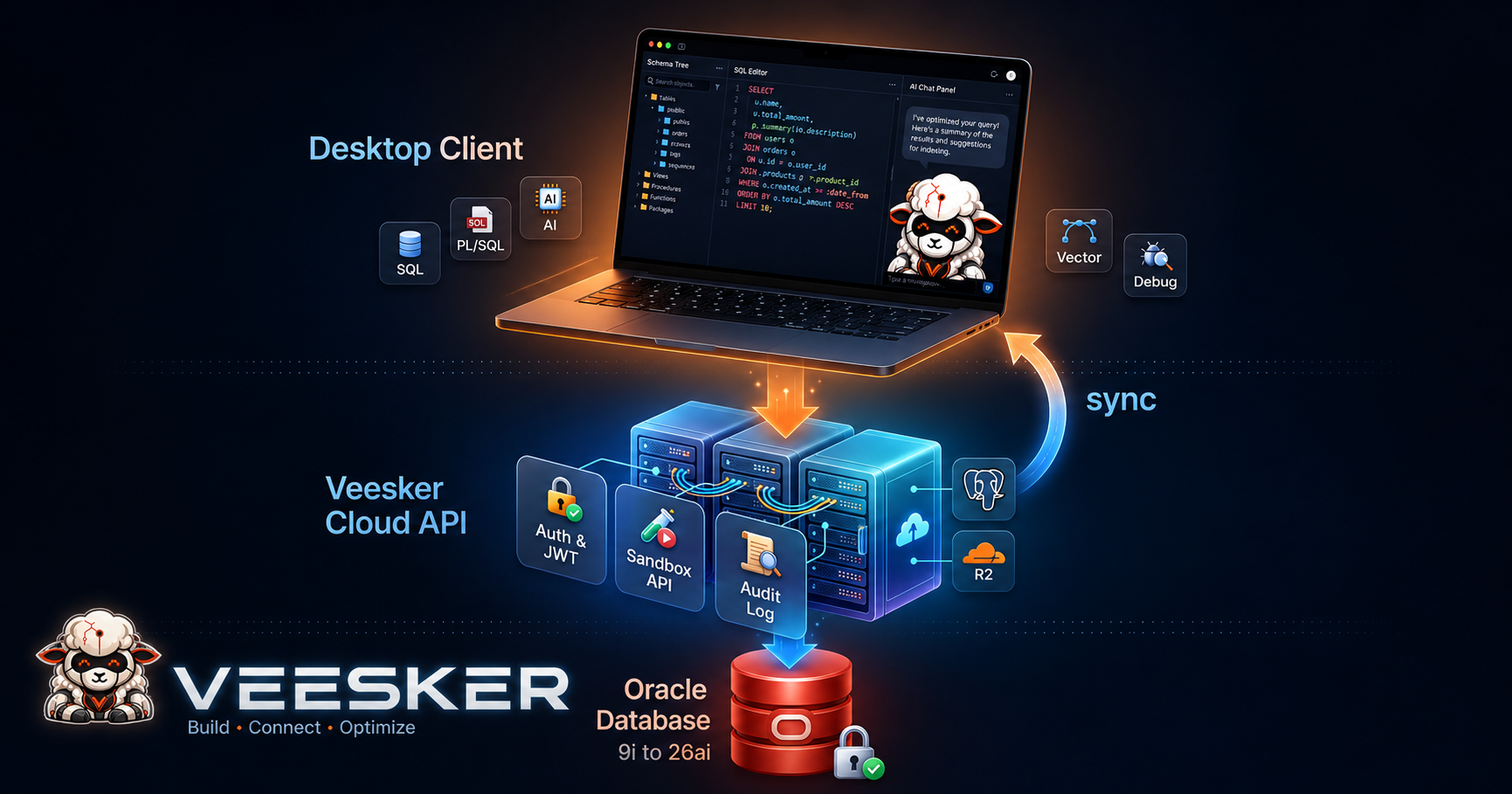
In the current Veesker Community Edition, the EXPLAIN PLAN workflow is a first-class action in the query editor. You can run EXPLAIN, view the plan in a graphical tree or flat text view, and copy the formatted plan text. The AI context for any query includes the active schema, the connected server version, and any hints present in the query. The AI does not suggest FETCH FIRST N ROWS ONLY on an 11g connection or VECTOR_DISTANCE on a 12c instance — version context is grounded at the connection level, not guessed from query content.
The closed-loop tuning pattern — AI proposes a rewrite, both plans are captured and compared, model iterates with the diff — is part of the managed Cloud layer coming H2 2026. When that tier ships, the session will maintain plan history across rewrites within a tuning session. The model is not evaluating each suggestion independently but against an accumulating record of what made the plan better or worse on your specific schema and data distribution. The managed tier handles plan capture, diff, and context injection automatically.
The community desktop app does the same job today, with the manual steps above. The Cloud layer removes the orchestration overhead, not the concept. If you are already running EXPLAIN PLAN on your slow queries — which you should be regardless of AI tooling — the feedback loop is one additional step: include the plan text in the context you hand to the model, and include the plan of the rewrite when you ask for the next iteration.
The EXPLAIN PLAN workflow is available in Veesker Community Edition — local-first, Apache 2.0, connects to every Oracle version from 9i to 26ai without a separate client install. Download at veesker.cloud/download.
— Veesker