
How Veesker handles Oracle wallet files: OCI, mTLS, and the cloud connection story
A practical look at Oracle wallet authentication — cwallet.sso, ewallet.p12, mTLS, and how Veesker stores and uses wallet credentials without touching a plaintext config file.
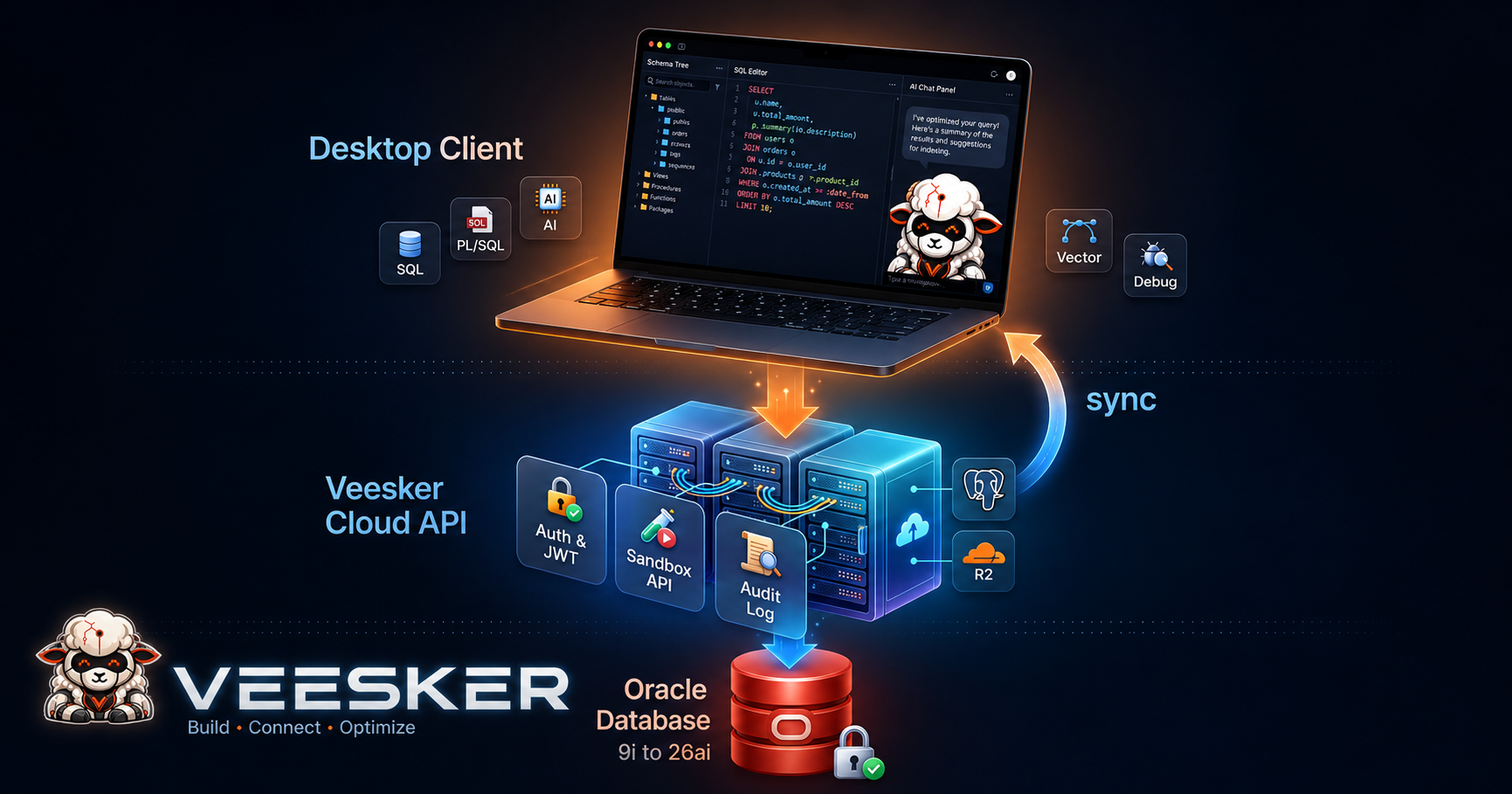
If you have ever connected to Oracle Cloud Database or an on-premises database behind a mutual TLS firewall policy, you have encountered the Oracle wallet. It is a directory — usually handed to you as a ZIP file — containing two primary files: cwallet.sso (auto-login) and ewallet.p12 (password-protected PKCS12). Add a tnsnames.ora and a sqlnet.ora, and you have everything the Oracle client needs to negotiate an authenticated, encrypted session.
Most Oracle IDEs treat the wallet as an afterthought. You paste a path, hope the client picks it up, and debug TNS errors that may or may not be wallet-related. Veesker was designed from the start to treat wallet-based connections as a first-class workflow, not a footnote.
This post covers what Oracle wallets actually contain, why mTLS matters even on internal networks, how Veesker stores and passes wallet credentials to OCI, and what the story looks like when you connect to Oracle Autonomous Database on OCI.
What is in an Oracle wallet
Oracle wallets are credential bundles in the Oracle-standard format — SSO or PKCS12. A typical cloud wallet ZIP contains:
cwallet.sso       — Auto-login Oracle SSO file; no password prompt, client authenticates directly
ewallet.p12       — PKCS12 certificate store, password-protected
tnsnames.ora      — Connection descriptors for the TNS services in this database
sqlnet.ora        — SQLNet configuration, including wallet path and SSL settings
ojdbc.properties  — JDBC configuration, relevant for Java clients
When the Oracle Client (OCI) initializes a connection, it reads sqlnet.ora to locate the wallet directory. The sqlnet.ora in a standard Oracle Cloud wallet looks something like:
WALLET_LOCATION = (SOURCE = (METHOD = file)(METHOD_DATA = (DIRECTORY = "?/network/admin")))
SSL_SERVER_DN_MATCH = yes
The ? is a placeholder for the Oracle Home or, in Instant Client deployments, the directory the tool resolves as the equivalent. This is where most client-side failures originate: the placeholder resolves to the wrong location, the wallet files are not found, and the error surface is an SSL handshake failure or a generic TNS-level timeout.
Why mTLS, not just TLS
Standard TLS authenticates the server. The client checks the server’s certificate against a trusted root, decides the server is who it says it is, and proceeds. Most web traffic works this way.
Mutual TLS (mTLS) adds the other direction: the server also validates the client’s certificate. For a database connection, this means that even if an attacker captures the network path between your client and the Oracle listener, presenting a valid credential requires the private key inside the wallet — not just a username and password.
On Oracle Cloud (OCI), all Autonomous Database connections are mTLS by default. The wallet is the mechanism: cwallet.sso contains the client private key and certificate, and the OCI listener validates that certificate against the tenancy’s certificate authority before negotiating the session. No wallet, no connection — regardless of whether the password is correct.
Some organizations have extended the same pattern to on-premises environments using Oracle’s SSL-enabled listeners and private CAs. The wallet files in that case come from the enterprise PKI rather than OCI, but the structure and client behavior are identical.
How Veesker stores wallet credentials
Veesker’s connection profile stores the wallet directory path alongside the connection details. That is the only thing required: a path to the directory containing cwallet.sso and ewallet.p12, and optionally a wallet password for the p12 file if you are not using auto-login.
That wallet path and any associated password never live in a plaintext configuration file. Veesker uses the OS credential store on every supported platform:
- Windows: Windows Data Protection API (DPAPI), the same mechanism used by Credential Manager and browser password stores.
- macOS: Keychain, the secure enclave-backed system credential store.
- Linux: libsecret / Secret Service API, which backs GNOME Keyring and KDE Wallet.
The consequence: if you export your Veesker settings to a file and share it with a colleague, the wallet path exports (it is not sensitive), but the wallet password does not travel with it. There is no credential in any plaintext on disk.
Passing the wallet to OCI
When Veesker opens a connection that includes a wallet path, it constructs the OCI parameter block with the required SSL additions. A connection descriptor for Oracle Autonomous Database looks like:
MY_DB =
  (DESCRIPTION =
    (ADDRESS = (PROTOCOL = TCPS)(HOST = adb.region.oraclecloud.com)(PORT = 1522))
    (CONNECT_DATA = (SERVICE_NAME = my_db_high.adb.oraclecloud.com))
    (SECURITY = (SSL_SERVER_CERT_DN = "CN=adwc.uscom-east-1.oraclecloud.com,OU=Oracle BMCS US,O=Oracle Corporation,L=Redwood City,ST=California,C=US")))
The wallet location and ssl_server_dn_match setting are passed programmatically to the OCI library rather than written to a temporary sqlnet.ora. The wallet directory is never copied or modified. OCI reads it from the original path and handles the certificate operations in memory.
One practical implication: if you have multiple Autonomous Database connections pointing to different tenancies, each gets its own wallet path in its own connection profile. There is no global wallet configuration to manage.
The EZConnect+ format for OCI wallets
Oracle introduced the EZConnect+ format in later Oracle Client releases to allow wallet specification inline in the connection string:
tcps://adb.region.oraclecloud.com:1522/my_db_high.adb.oraclecloud.com?wallet_location=/path/to/wallet&ssl_server_dn_match=yesVeesker supports EZConnect+ strings in the advanced connection form. For cloud connections specifically, the simpler workflow is the wallet directory field in the standard connection profile: unzip the wallet into a local directory, paste the path, and Veesker assembles the OCI parameters. Either path works.
What about connections without a wallet
Not every Oracle connection requires a wallet. Standard on-premises connections over TCP (not TCPS) authenticate by username and password, with network encryption handled either by Oracle Net encryption or TLS on the listener. Veesker handles both. The wallet directory field in a connection profile is optional. If it is empty, OCI negotiates the session without wallet-based client authentication.
The distinction matters for mixed estates. An on-premises 11g database on an internal network will typically use a straightforward TCP connection. An OCI Autonomous Database requires TCPS and a wallet. A 19c primary with a Data Guard standby behind a corporate TLS policy may use either, depending on how the listener was configured. Veesker lets you set up the right combination per connection rather than imposing a global policy.
The Cloud connection story (coming H2 2026)
Veesker Cloud — the managed layer built on top of the local-first IDE — adds a specific use case: sharing connection configurations across a team without sharing credentials.
The design mirrors the approach used for the VeeskerDB Sandbox: connection metadata (host, service name, wallet path relative to the developer’s machine) is stored and optionally synchronized, but credentials remain in each developer’s local OS keychain. A team administrator can share a connection template that includes everything except secrets. Each developer adds their own credentials locally.
The full team workflow — including centrally managed connection pools and policy enforcement for auto-generated query timeouts and read-only mode guards — is in active development as part of the Cloud GA (H2 2026). The local credential isolation pattern is already in the current Community Edition and does not require the Cloud layer to be enabled.
Debugging wallet-related connection failures
When a wallet-based connection fails, the error chain is usually one of three things.
Wrong wallet path. OCI cannot find cwallet.sso at the specified directory. The error typically surfaces as ORA-28759: failure to open file. Check that the path points to the directory containing the wallet files, not to an individual file or a parent directory.
SSL_SERVER_DN_MATCH mismatch. The certificate distinguished name in the connection descriptor does not match the server certificate. This appears as ORA-29024: Certificate validation failure and is most commonly caused by using a tnsnames.ora from a different tenancy or region than the wallet.
Expired wallet. OCI wallets have an expiry date. An expired wallet produces ORA-28866: SSL connection failed or a similar SSL negotiation error. Download a fresh wallet from the OCI console and update the path in your connection profile.
Veesker exposes the OCI error chain verbatim in the connection error panel rather than wrapping it in a generic “connection failed” message. The raw error code is almost always more useful than the surface-level summary, and it is what Oracle support will ask for anyway.
If you are connecting to Oracle Cloud Autonomous Database or an on-premises mTLS environment, download Veesker and let the connection profile handle the wallet setup: veesker.cloud/download.
— Veesker